Comment fonctionne une pointeuse biométrique ? Le guide complet pour les décideurs en entreprise
Pourquoi le suivi traditionnel des temps continue de pénaliser les entreprises
Il existe une faiblesse structurelle au cœur de tout système manuel de gestion des présences : il repose sur la confiance plutôt que sur la vérification. Les feuilles de temps papier supposent que les employés inscrivent des heures exactes. Les systèmes de badges supposent que la personne qui détient la carte est bien son propriétaire. Les codes PIN supposent que personne ne les partage. Dans chaque cas, les données sur lesquelles repose votre paie sont à la merci d'un simple acte de malhonnêteté (le fameux buddy punching ou pointage de complaisance).
Les pointeuses biométriques résolvent ce problème à la racine. Elles ne demandent pas aux employés de déclarer leur présence. Elles la vérifient, instantanément, en utilisant des caractéristiques biologiques uniques à chaque individu et impossibles à déléguer.
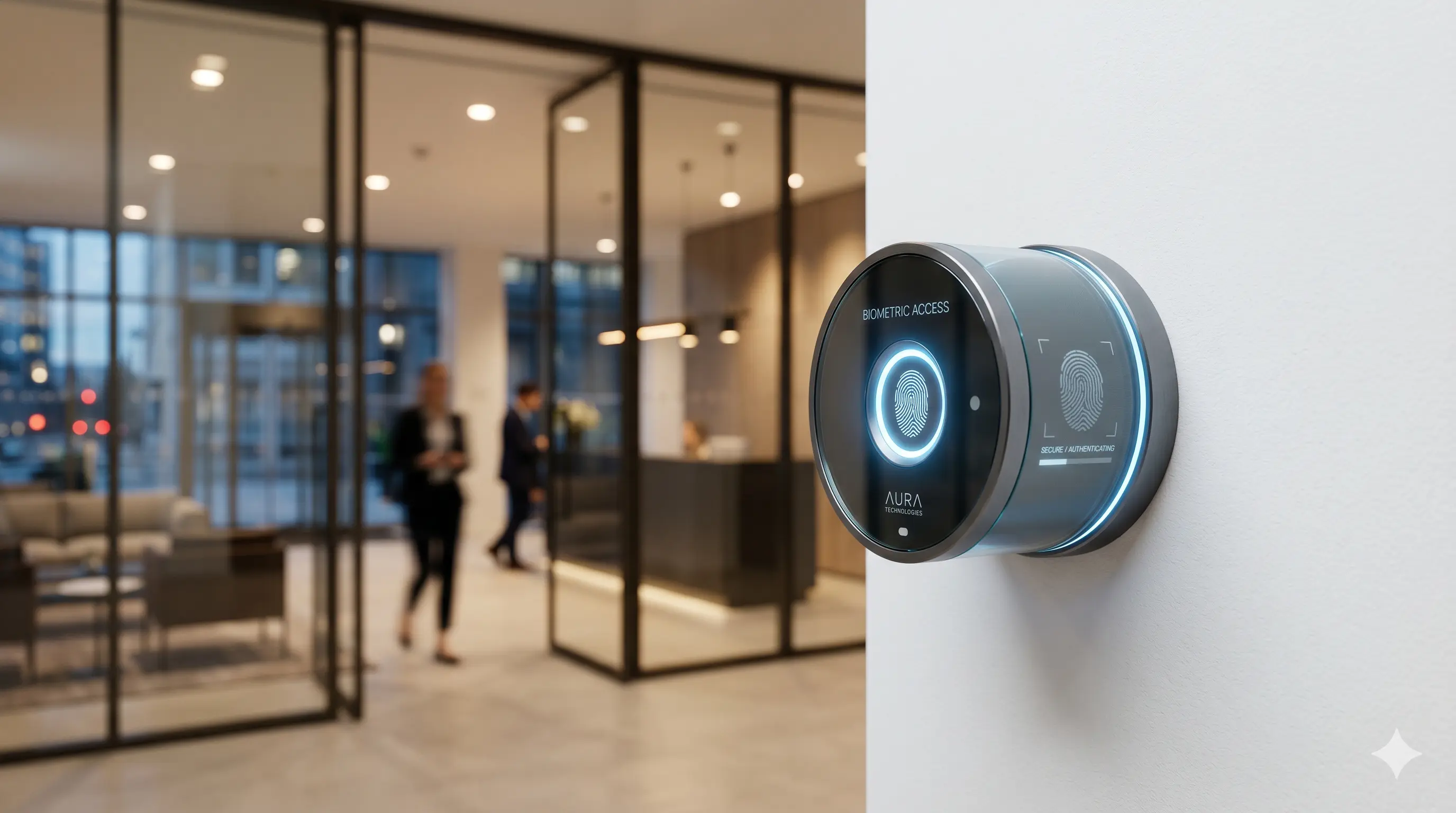
Qu'est-ce qu'une pointeuse biométrique ? Une pointeuse biométrique est un appareil qui authentifie l'identité d'un employé à l'aide d'un ou plusieurs traits biologiques — le plus souvent une empreinte digitale, le réseau veineux de la paume ou la géométrie faciale — et enregistre un horodatage précis au moment de l'authentification. Ces données sont transmises en temps réel à une plateforme centrale de gestion des temps, où elles sont traitées selon les règles de votre entreprise pour la paie, le reporting et la conformité.
Contrairement à un lecteur de badge, une pointeuse biométrique n'enregistre pas un objet. Elle enregistre une personne. Cette distinction change tout quant à la fiabilité des données produites.
La technologie : comment fonctionne l'authentification biométrique étape par étape
- Étape 1 : L'enrôlement (Configuration initiale) Les données biométriques de chaque employé sont capturées lors d'une session initiale. Pour les systèmes à empreintes digitales, cela implique de scanner le doigt plusieurs fois pour créer un modèle mathématique (appelé "gabarit" ou "template") des crêtes uniques de l'empreinte. Il est crucial de comprendre que ce qui est stocké n'est pas une image de l'empreinte ou du visage, mais un gabarit numérique crypté. La donnée biométrique originale ne peut pas être reconstituée à partir de ce fichier.
- Étape 2 : L'authentification (À chaque entrée et sortie) Lorsqu'un employé présente son doigt ou son visage à l'appareil, la pointeuse capture un nouveau scan et le convertit en un nouveau gabarit. Celui-ci est ensuite comparé au gabarit stocké dans la base de données. Si le score de correspondance dépasse le seuil configuré, l'authentification est confirmée et l'heure est enregistrée. L'ensemble du processus prend entre 0,3 et 1,5 seconde.
- Étape 3 : Transmission des données au logiciel de gestion L'horodatage authentifié (ID de l'employé, date, heure et emplacement de l'appareil) est envoyé immédiatement au logiciel central via LAN, Wi-Fi ou 4G. Le logiciel applique vos règles de travail, calcule les heures travaillées, signale les anomalies et met les données à la disposition des tableaux de bord RH en temps réel.
Les types de technologies biométriques : laquelle choisir ?
- Reconnaissance d'empreintes digitales La modalité la plus déployée. Mature, rentable et très précise. Les capteurs modernes atteignent des taux de fausse acceptation inférieurs à 0,001 %. Idéal pour les bureaux, la fabrication et la logistique. (Note : Les lecteurs d'empreintes peuvent rencontrer des difficultés avec des doigts usés dans des métiers manuels exigeants. Des terminaux multimodaux sont alors recommandés).
- Reconnaissance faciale Sans contact et de plus en plus précise, c'est le choix privilégié pour les environnements à fort trafic où les employés passent rapidement. Les systèmes modernes résistent aux changements d'éclairage, au port de lunettes ou de masques. Ils éliminent également tout problème d'hygiène lié au contact.
- Reconnaissance du réseau veineux (Palmaire) La modalité la plus précise. Les lecteurs utilisent une lumière proche infrarouge pour cartographier le modèle veineux sous la peau — une caractéristique invisible, interne et pratiquement impossible à falsifier. Principalement utilisé dans les environnements de haute sécurité.
Au-delà de la présence : la pointeuse comme contrôle d'accès
Le même appareil qui enregistre l'arrivée d'un employé peut simultanément contrôler l'ouverture d'une porte. Cela signifie qu'un seul équipement gère à la fois le suivi du temps et le contrôle d'accès physique — réduisant ainsi les coûts matériels et la complexité administrative.
Dans un déploiement Optitime, cette intégration est native. Une pointeuse à l'entrée d'une zone restreinte peut être configurée pour n'autoriser l'accès que pendant des heures spécifiques, uniquement aux employés assignés, et pour consigner chaque mouvement.
Comment les données alimentent vos systèmes RH et de paie
La véritable valeur d'une pointeuse biométrique réside dans les données propres et vérifiées qu'elle fournit à vos systèmes :
- Tableaux de bord en temps réel : montrent qui est présent ou absent sur chaque site.
- Alertes d'anomalies automatisées : signalent les pointages manquants sans nécessiter d'examen manuel.
- Exports prêts pour la paie : compilent automatiquement les heures travaillées et les heures supplémentaires à la fin du cycle.
- Pistes d'audit : fournissent un historique infalsifiable pour la conformité et l'inspection du travail.
Répondre aux préoccupations courantes sur la biométrie
- Les données biométriques sont-elles sécurisées ? Oui. Les systèmes d'entreprise stockent des gabarits cryptés, pas des images. Le modèle de déploiement d'Optitime garantit que les données biométriques ne quittent jamais l'infrastructure contrôlée de votre organisation.
- La biométrie est-elle conforme aux lois marocaines (CNDP) ? Les données biométriques sont classées comme données sensibles par la loi 09-08, réglementée par la CNDP. Un déploiement conforme nécessite le consentement des employés, une finalité claire et des mesures de sécurité strictes. Comsys accompagne tous ses clients Optitime dans leurs démarches CNDP pour garantir une conformité totale.
Que faut-il évaluer lors du choix d'une pointeuse biométrique ?
- Vitesse d'authentification : Essentiel pour les entrées très fréquentées.
- Capacité : Les appareils d'entreprise stockent généralement entre 3 000 et 100 000 gabarits.
- Connectivité : Options TCP/IP, Wi-Fi et 4G.
- Durabilité : Certification IP pour l'étanchéité dans les environnements industriels.
- Options multimodales : Empreinte + visage + badge pour une fiabilité maximale.
Optitime + pointeuses biométriques : la solution d'entreprise unifiée
Que vous déployiez des terminaux à empreintes digitales à l'entrée d'une usine à Casablanca, des lecteurs de reconnaissance faciale dans des bureaux à Rabat, ou une configuration hybride, Optitime fournit la couche logicielle qui transforme les pointages biométriques en données RH exploitables.
L'équipe Comsys s'occupe de tout, de la sélection du matériel à la configuration logicielle et la formation de votre personnel, offrant à vos équipes un interlocuteur unique pour un système opérationnel dès le premier jour.